
AI Agents in the Enterprise: What Changed and How Leaders Should Respond
Enterprise AI is shifting from “ask a chatbot” to “assign a bounded workflow.” The winners will not be the companies that deploy the most agents. They will be the companies that decide what agents are allowed to do, where humans stay in control, and how success is measured.

The short version: agents are becoming an operating model, not just another tool
For the last wave of generative AI, most enterprise adoption centered on copilots: write this email, summarize this meeting, draft this code, analyze this document. That still matters, but the center of gravity is moving. The new question is not only what can AI generate? It is what business process can AI help complete?
An enterprise AI agent is useful when it can combine a goal, context, tools, memory, policies, and feedback. Instead of producing one answer, it can move through a sequence: read a ticket, retrieve customer context, classify urgency, draft a response, check policy, update a CRM field, and ask a human to approve anything sensitive.
Why this trend is accelerating
Three changes are pushing enterprise AI agents forward.
1. Tool connectivity is maturing
Agents become practical when they can connect to databases, calendars, ticketing systems, code repositories, documents, and APIs. Protocols such as Model Context Protocol are a signal that standardized tool access is becoming part of the AI stack.
2. Leaders want workflow ROI
Chat productivity is useful, but hard to measure. Workflow automation is easier to tie to outcomes: reduced handling time, faster research, better triage, lower rework, or higher throughput.
3. Governance is catching up
Frameworks such as the NIST AI Risk Management Framework and security guidance from OWASP give teams a vocabulary for risk, access, monitoring, and accountability.
The enterprise agent maturity model
Not every AI agent is autonomous. In practice, agent maturity is a ladder. Most companies should climb it deliberately instead of jumping straight to unsupervised automation.
| Level | What the agent does | Best use case | Governance need |
|---|---|---|---|
| Level 1: Assistant | Answers, summarizes, drafts, and explains. | Knowledge work acceleration. | Content review and data-use policy. |
| Level 2: Workflow helper | Uses approved tools but does not make irreversible changes. | Research, internal lookup, reporting, ticket enrichment. | Tool permissions, logs, and source visibility. |
| Level 3: Human-approved operator | Prepares actions and asks a person to approve risky steps. | Customer support, finance ops, HR workflows, code changes. | Approval queues, audit trails, identity controls. |
| Level 4: Bounded autonomous agent | Completes low-risk tasks inside strict limits. | Routine internal operations with reversible actions. | Monitoring, rollback, escalation, exception handling. |
| Level 5: Multi-agent process | Coordinates specialized agents across a larger process. | Complex operations, software delivery, supply-chain planning. | Strong orchestration, evaluation, incident response, ownership. |
The mistake is treating Level 4 or Level 5 as the starting point. A safer strategy is to prove value at Levels 2 and 3, then widen autonomy only where performance and risk data support it.
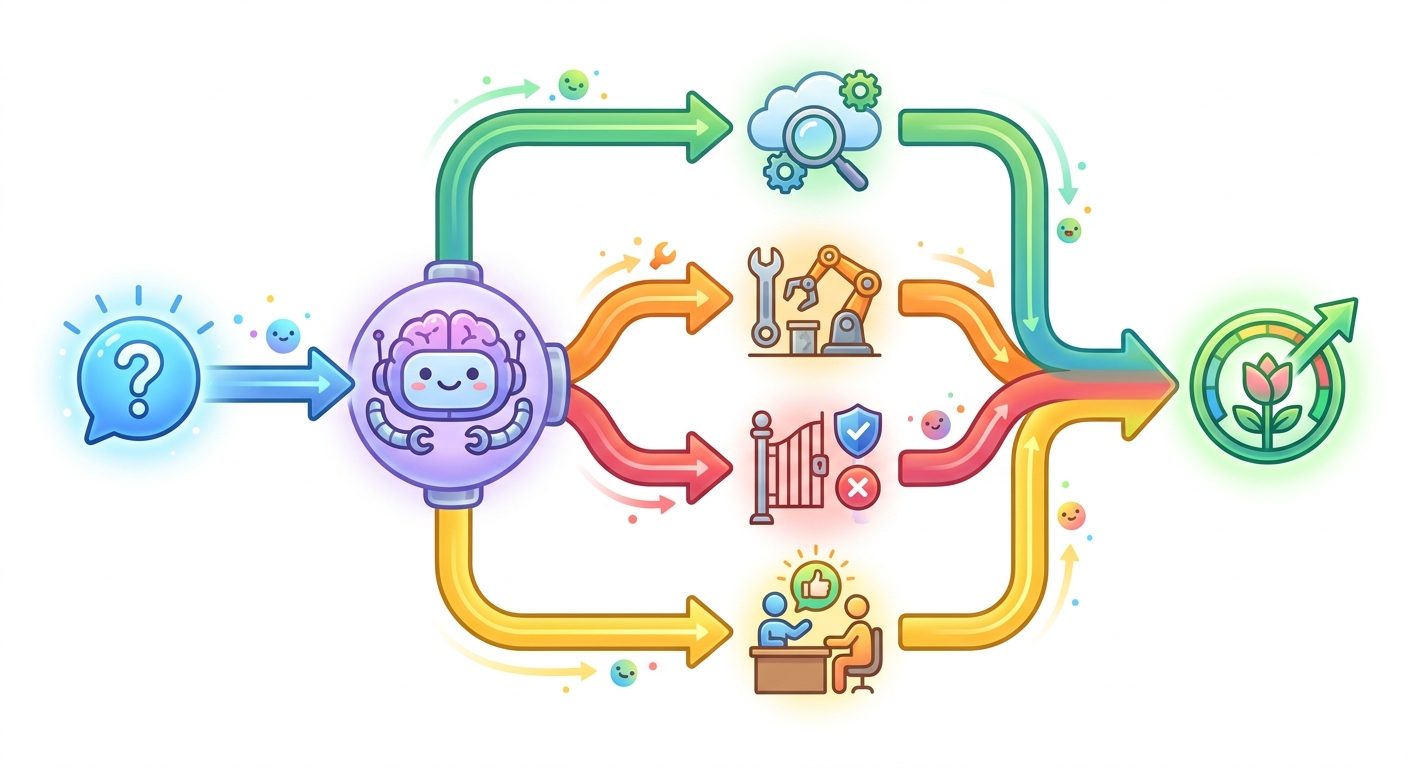
Where enterprise AI agents are most useful first
The best first use cases are not glamorous. They are boring, repetitive, measurable, and surrounded by enough context for the agent to make useful progress.
- Customer support triage: classify tickets, retrieve account context, suggest next actions, and escalate edge cases.
- Sales and account operations: summarize calls, update CRM notes, identify follow-ups, and draft account briefs.
- Software engineering workflows: inspect logs, summarize pull requests, generate tests, open issues, and prepare code changes for review.
- Finance operations: match invoices, flag anomalies, prepare reconciliations, and route exceptions to humans.
- Internal knowledge operations: answer policy questions, synthesize documents, and guide employees through workflows.
These use cases work because they share four qualities: clear inputs, clear success criteria, tool access, and a safe fallback path.
The agent strategy leaders should use
A strong enterprise agent strategy is not “buy an agent platform.” It is a sequence of decisions about workflows, risk, data, and operating ownership.
1. Pick workflows, not departments
Do not start with “AI for HR” or “AI for finance.” Start with a specific workflow: triage employee policy questions, prepare invoice exception packets, or turn customer calls into CRM updates. Workflow-level scoping makes agent performance testable.
2. Define the agent’s authority
Every agent needs a permission boundary. Can it only read? Can it write drafts? Can it update records? Can it trigger external messages? Can it spend money, delete data, or change customer status? If the answer is yes, add human approval.
3. Separate routine actions from risky actions
The highest-value design pattern is not full autonomy. It is human approval for consequential actions. Let the agent prepare the work. Let humans approve decisions that affect trust, money, access, legal exposure, infrastructure, or customer experience.
4. Build observability from day one
Agent failures are harder to debug than normal software failures because the model, tools, retrieval context, instructions, and user input can all influence behavior. Use logs, traces, evaluation sets, and cost tracking early. For a deeper implementation view, see AI agent evaluation, reliability, and cost.
Risk matrix: what can go wrong
| Risk | Example | Control |
|---|---|---|
| Over-permissioned tools | An agent can edit records it should only read. | Least privilege, scoped tokens, role-based access. |
| Prompt or tool injection | External content tricks the agent into ignoring instructions. | Input isolation, tool-output validation, untrusted-content handling. |
| Silent low-quality work | The agent completes tasks but introduces subtle errors. | Evaluations, sampling review, confidence thresholds. |
| Unclear ownership | No team knows who fixes agent incidents. | Named service owner, incident process, audit logs. |
| ROI theater | Usage grows but business outcomes do not improve. | Measure completed outcomes, not just prompts or seats. |
This is why enterprise agent adoption should be paired with AI risk management. The Stanford AI Index and McKinsey State of AI both show the broader pattern: AI investment and adoption are rising, but value depends on organizational readiness, not model access alone.
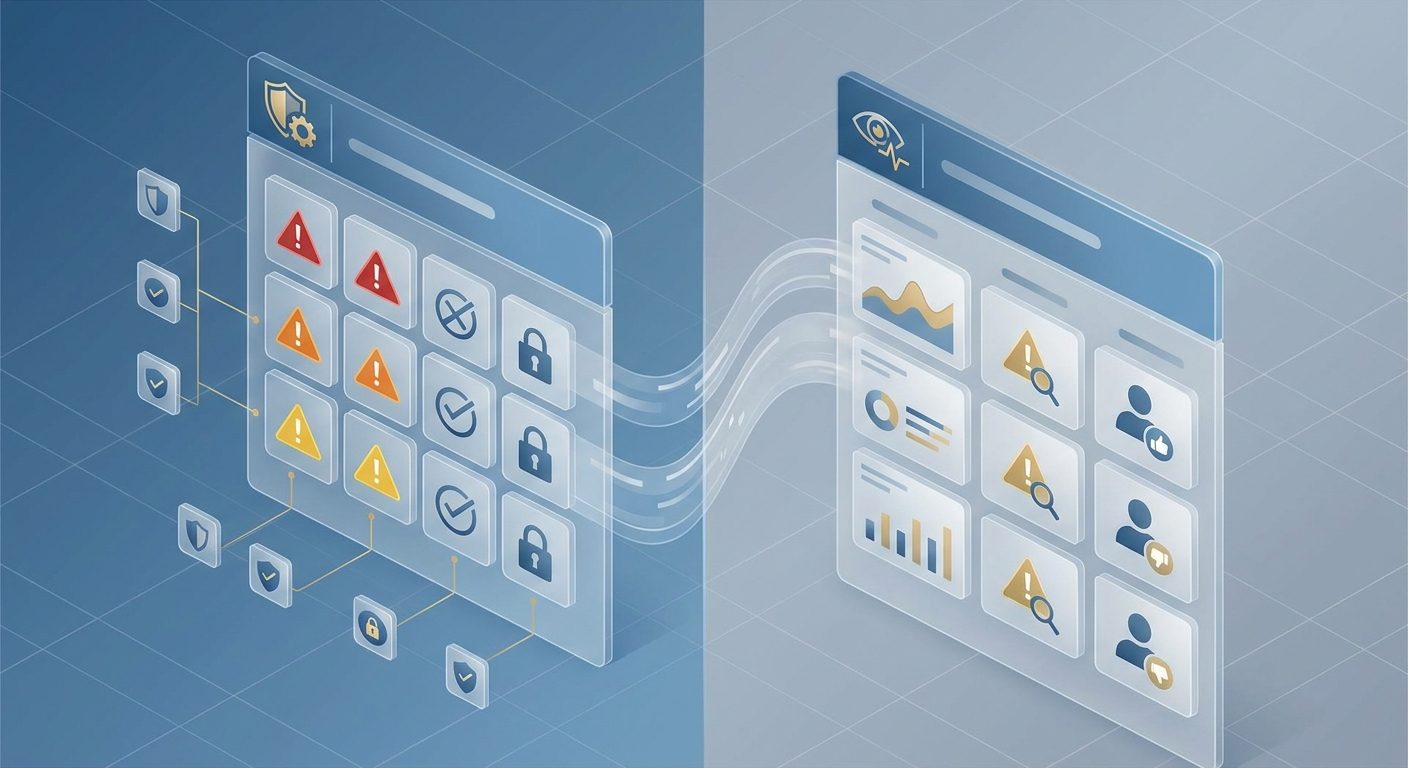
Metrics that matter for enterprise agents
Agent programs fail when they measure activity instead of outcomes. Track metrics that reveal whether the workflow is becoming faster, safer, and more reliable.
- Task completion rate: how often the agent reaches the desired workflow outcome.
- Human intervention rate: how often people must correct, approve, or rescue the agent.
- Error severity: not just the number of errors, but the cost and risk of each error.
- Cost per successful outcome: model, tool, infrastructure, and human-review cost per completed task.
- Cycle time: time from request to completed result.
- User trust: adoption, override behavior, satisfaction, and qualitative feedback.
- Security and policy events: permission violations, unsafe tool calls, data exposure attempts, or injection attempts.
A practical adoption roadmap
Phase 1: Discover
Map repetitive workflows, pain points, data sources, current tools, exception rates, and human decision points.
Phase 2: Prototype
Build a narrow agent with read-only or draft-only permissions. Test with historical cases before exposing it broadly.
Phase 3: Add approval and logging
Create review queues for risky actions, log every tool call, and define escalation rules.
Phase 4: Measure outcomes
Compare agent-assisted workflows against baseline cycle time, quality, cost, and satisfaction.
Phase 5: Expand autonomy carefully
Only automate more actions after the team has evidence that the agent is reliable, governed, and economically useful.
How this connects to the bigger AI trend
AI agents are part of a larger shift from software as a place people go to software as a set of capabilities agents can coordinate. That does not make humans irrelevant. It changes where human judgment is most valuable.
People will spend less time moving information between tools and more time defining goals, checking exceptions, approving risky decisions, improving workflows, and designing better systems. That is why agent strategy overlaps with career strategy. Professionals who understand human-AI workflows will be better prepared than those who only learn isolated prompts.
Conclusion: enterprise agents need discipline, not hype
AI agents are becoming a serious enterprise trend because they promise something more valuable than content generation: workflow completion. But workflow completion comes with risk. The same agent that saves time can create errors, leak data, or take actions no one reviewed if permissions and governance are weak.
The right response is not to avoid agents. It is to deploy them like critical business systems: narrow scope, clear authority, strong observability, human approval for consequential actions, and metrics tied to real outcomes.
Next step: pick one workflow where the agent can prepare work but a human still approves the final action. That is the safest bridge from AI experimentation to enterprise value.
FAQ
What are AI agents in the enterprise?
They are AI systems designed to complete business workflow steps by combining instructions, context, tools, and guardrails. They may retrieve data, call APIs, draft outputs, update systems, or ask humans to approve sensitive actions.
How are AI agents different from normal automation?
Traditional automation follows predefined rules. AI agents can interpret natural language, adapt to context, and choose among tools, but that flexibility also means they need stronger evaluation, permissions, and oversight.
Should enterprise AI agents be fully autonomous?
Usually not at first. Most organizations should begin with draft-only, read-only, or human-approved workflows, then expand autonomy only when reliability and risk controls are proven.
What is the best first AI agent use case?
The best first use case is narrow, frequent, measurable, and reversible. Good examples include ticket triage, report preparation, CRM updates for review, internal policy assistance, and software workflow support.
What skills do teams need to manage enterprise agents?
Teams need workflow design, data governance, tool integration, evaluation, prompt and instruction design, security awareness, change management, and human-review process design.
