
Enterprise AI Agent Governance Checklist: Permissions, Approvals, and Audit Logs
Enterprise AI agents are useful only when their authority is clear. This checklist turns agent governance into practical controls: what agents may access, when humans approve actions, what logs must exist, and how teams decide whether a pilot is safe to scale.
Why this checklist matters
The latest wave of AI agents in the enterprise is not just about chatbots that answer questions. It is about systems that can read context, call tools, update records, draft decisions, and coordinate workflow steps. That is powerful, but it also changes the risk profile.
A normal AI assistant can be wrong in a document. An enterprise agent can be wrong inside a ticketing system, CRM, code repository, finance workflow, or customer conversation. Governance is the difference between a useful workflow assistant and an uncontrolled automation layer.
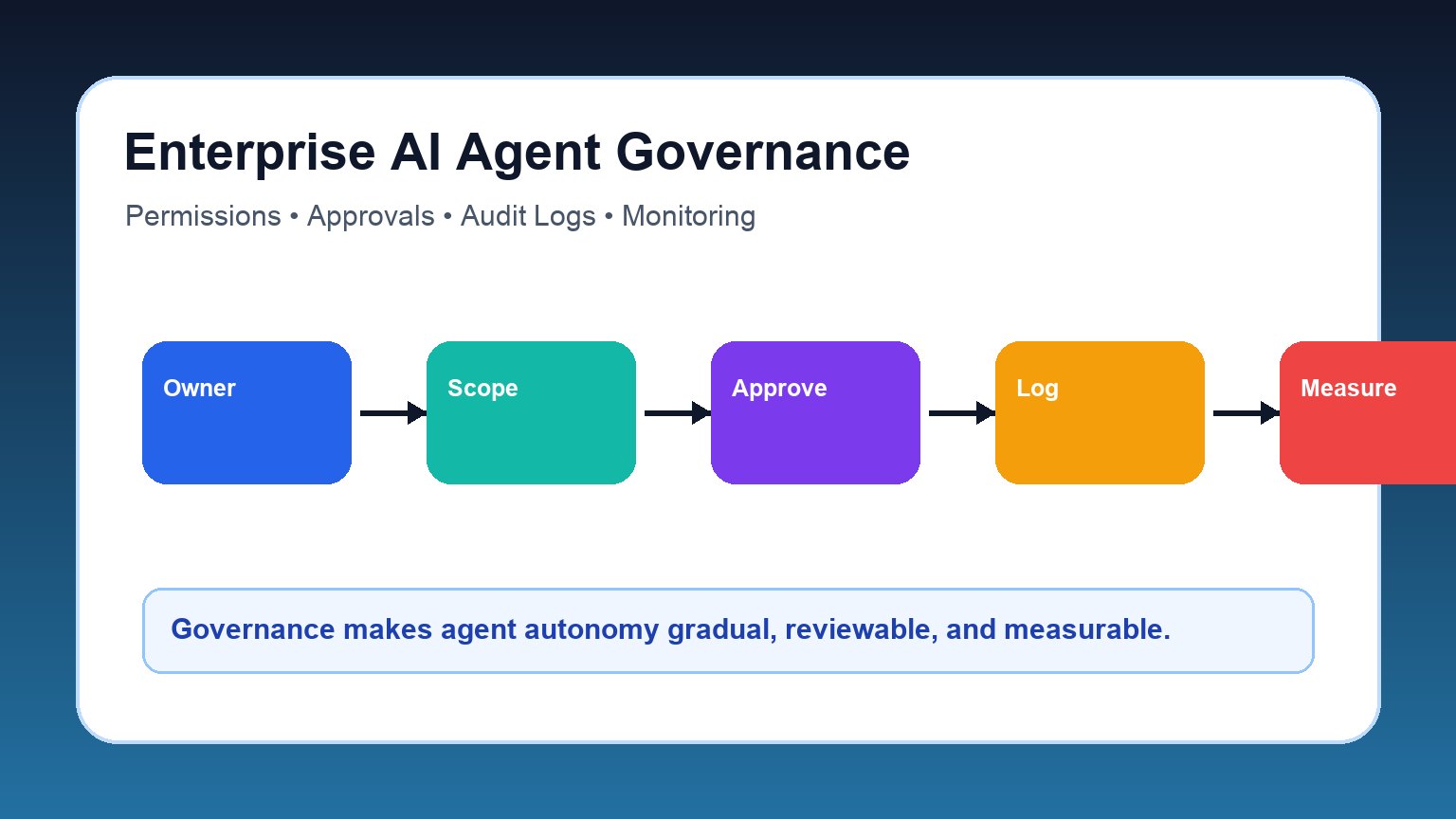
The five-part enterprise AI agent governance checklist
1. Ownership
Name the business owner, technical owner, risk reviewer, and escalation path before launch. If no one owns the outcome, the agent is not ready for production.
2. Permissions
Give the agent the smallest useful scope: read-only, draft-only, limited write, or approved destructive access. Avoid broad tokens and shared service accounts.
3. Human approval
Define exactly which actions require review: external messages, money movement, record deletion, policy exceptions, customer-impacting changes, or low-confidence decisions.
4. Audit logs
Log goals, prompts, retrieved sources, tool calls, arguments, outputs, approvals, policy decisions, errors, and final business outcomes.
5. Monitoring gates
Track intervention rate, task success, rework, security events, cost per completed task, latency, and user trust before expanding autonomy.
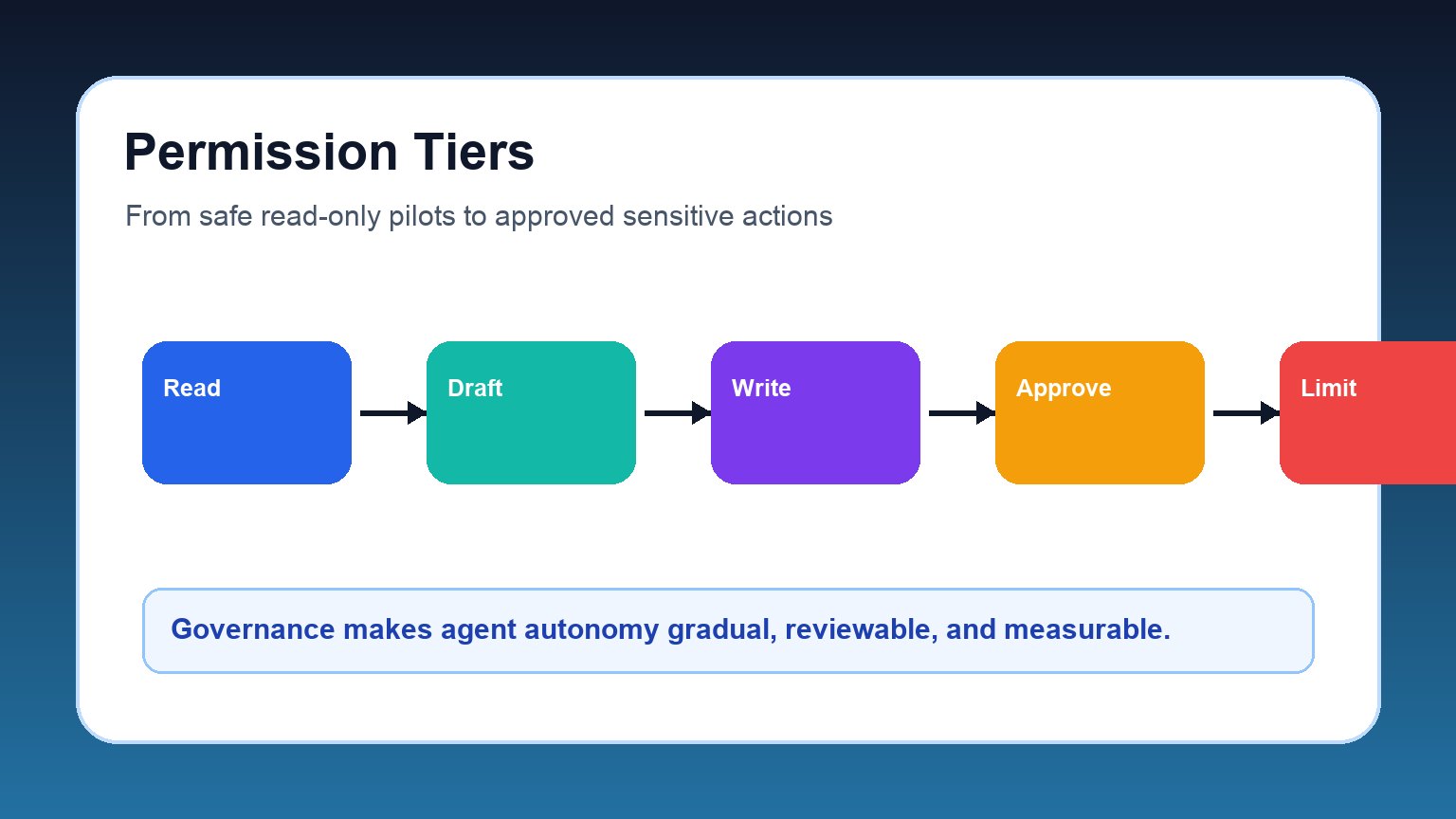
Permission tiers: decide what the agent can actually do
Agent governance starts with permissions, not prompts. A beautifully written system instruction is not a security boundary. The platform should enforce what tools, data, and actions the agent can use.
| Tier | Agent authority | Good first use | Governance requirement |
|---|---|---|---|
| Read-only | Can retrieve, summarize, classify, and explain. | Policy Q&A, account research, ticket enrichment. | Data access review, source visibility, privacy rules. |
| Draft-only | Can prepare a response, update, code change, or recommendation but not submit it. | Customer replies, CRM notes, pull request suggestions. | Human review queue and edit history. |
| Scoped write | Can update approved fields or systems inside strict limits. | Status changes, internal tags, routine routing. | Role-based access, rate limits, rollback path. |
| Approved sensitive action | Can prepare consequential actions only after explicit human approval. | Refunds, external emails, compliance responses, production changes. | Approver identity, policy reason, full audit trail. |
| Destructive or irreversible | Can delete, transfer, terminate, publish, or make high-impact changes. | Rarely appropriate for early pilots. | Multi-party approval, sandbox tests, incident playbook. |
Approval rules: when humans must stay in the loop
Human approval should not be a vague promise. It should be a rule engine. The agent should know when to stop, what evidence to show, and who can approve the next step.
| Trigger | Why approval is needed | What the reviewer should see |
|---|---|---|
| External communication | The agent may create legal, reputational, or customer-experience risk. | Draft, source context, confidence, policy checks, recipient. |
| Money or contract impact | Pricing, refunds, invoices, procurement, and contract terms affect financial controls. | Amount, account, policy basis, exception reason, audit ID. |
| Personal or sensitive data | Privacy and compliance obligations require strict access boundaries. | Data fields used, purpose, retention rule, masking status. |
| Production or security change | Code, infrastructure, and access changes can create outages or vulnerabilities. | Diff, test result, risk level, rollback plan, owner. |
| Low confidence or unusual case | The agent is outside its normal pattern. | Uncertainty reason, alternatives, missing data, suggested escalation. |
Approval design also improves trust. Reviewers should not receive a mysterious “approve/deny” button. They need the agent’s evidence, proposed action, policy interpretation, and a clear rollback or escalation option.
Audit logs: what every agent action should leave behind
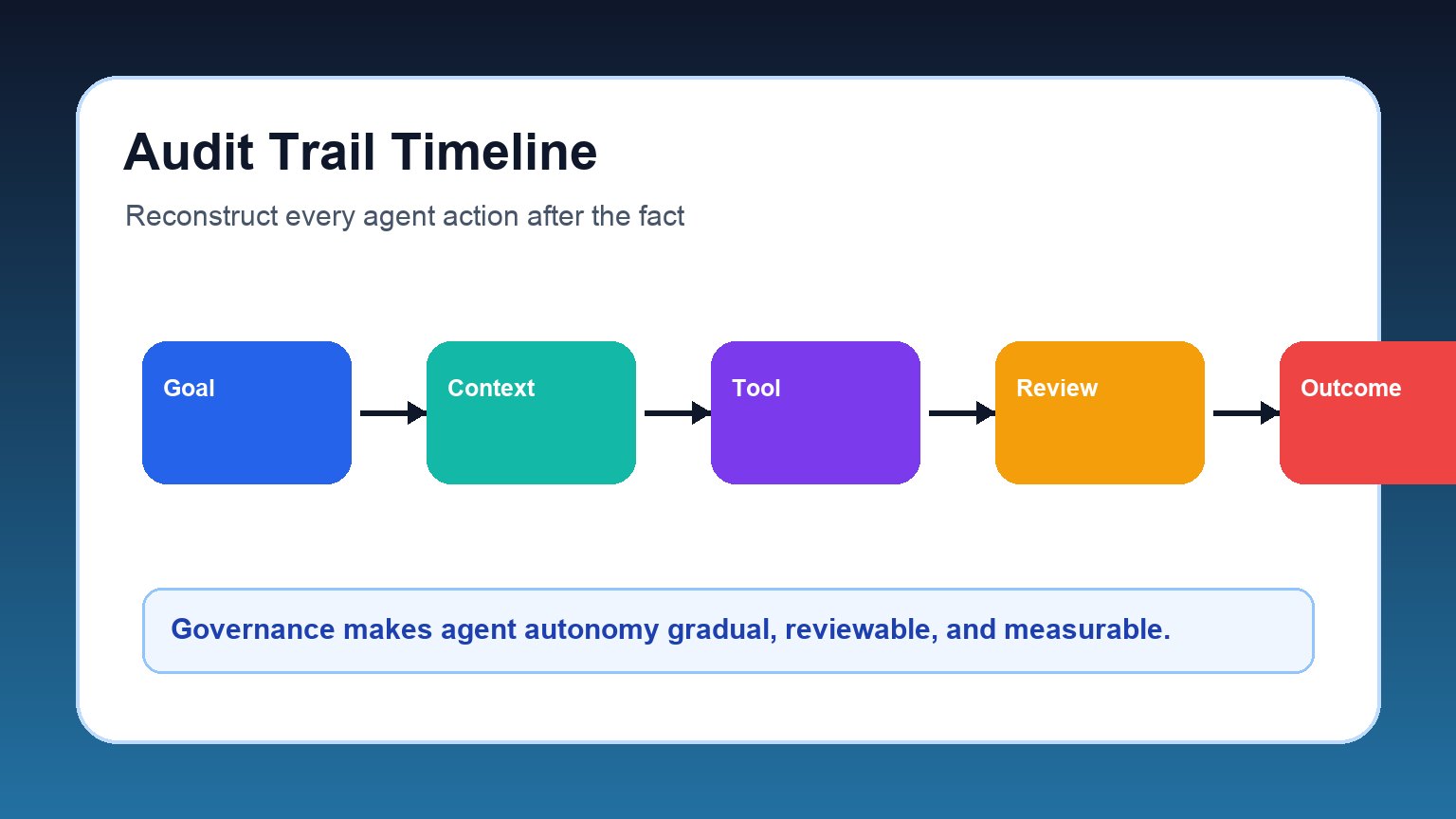
If an agent affects a business process, the organization needs a trail that explains what happened. This is where guidance from the NIST AI Risk Management Framework and security work such as the OWASP GenAI Security Project becomes practical: teams need a way to map, measure, manage, and review AI risks.
- Identity: user, agent, system account, session, approver, and tenant.
- Intent: requested goal, workflow type, policy context, and risk tier.
- Context: sources retrieved, documents used, memory items, and data classifications.
- Tool call: tool name, permissions, arguments, response, error, latency, and cost.
- Decision: model output, confidence signal, validation result, and guardrail result.
- Approval: who approved, what they saw, what changed, and when.
- Outcome: final action, business result, rollback status, user feedback, and incident flag.
Tool connectivity raises the stakes
Protocols and platforms are making it easier for AI systems to connect to data sources and business tools. Anthropic describes the Model Context Protocol as an open standard for connecting AI assistants to content repositories, business tools, and development environments. That direction is important: connected agents are more useful because they are less isolated.
But connected agents also require stronger controls. Each connector is a possible permission boundary, data exposure path, or action surface. The governance question is not “can the agent use this tool?” It is “under what identity, with what scope, for what purpose, with what logs, and with what approval rule?”
Pilot-to-scale gates for enterprise agents
Before moving from pilot to broader rollout, require evidence at each gate.
| Gate | Question to answer | Evidence needed |
|---|---|---|
| Workflow fit | Is the task narrow, frequent, measurable, and safe enough? | Workflow map, baseline metrics, exception list. |
| Access fit | Does the agent have only the permissions it needs? | Permission manifest, connector inventory, identity model. |
| Quality fit | Does it perform reliably on real cases? | Test set, failure analysis, reviewer feedback. |
| Risk fit | Can the team detect, stop, and investigate failures? | Monitoring dashboard, audit log samples, incident playbook. |
| Business fit | Does the agent improve the outcome enough to justify cost and risk? | Cycle-time change, rework rate, cost per successful task, satisfaction. |
Common governance mistakes to avoid
- Using prompts as policy: instructions help, but permissions must be enforced outside the model.
- Starting with irreversible actions: begin with read-only, draft-only, or human-approved workflows.
- Logging only final answers: the tool calls and approvals are often more important than the final text.
- Ignoring exception handling: agents need a graceful way to say “I do not know” and escalate.
- Scaling before measuring: a successful demo is not evidence of production readiness.
Conclusion: make autonomy earned, not assumed
Enterprise AI agents can become a powerful workflow layer, but only when autonomy is earned step by step. The safest pattern is simple: start with narrow authority, require approval for consequential actions, capture detailed logs, measure outcomes, and expand only when the evidence supports it.
This cluster article builds on the broader trend analysis in AI Agents in the Enterprise: What Changed and How Leaders Should Respond. If that pillar explains why enterprise agents matter, this checklist explains how to keep them accountable once they start touching real systems.
FAQ
What is AI agent governance?
AI agent governance is the operating system of controls around an agent: ownership, permissions, approvals, audit logs, monitoring, evaluation, and incident response.
What permissions should an enterprise AI agent have?
Start with the least authority that can produce value. Read-only and draft-only agents are safest for early pilots. Scoped write access should come later, with strong logging and rollback.
When should an AI agent require human approval?
Require approval for external communication, financial impact, sensitive data, production changes, deletion, compliance decisions, and any low-confidence or unusual case.
What should AI agent audit logs capture?
Capture the user goal, agent identity, retrieved context, tool calls, inputs, outputs, guardrail decisions, approvals, errors, final action, and business outcome.
How do you scale enterprise AI agents safely?
Scale only after the workflow is measurable, permissions are scoped, quality is tested, incidents can be investigated, and the agent shows business value beyond the demo.
