
AI Skills Roadmap 2026: Build a Career Moat With Human-AI Workflows
The safest career strategy for 2026 is not chasing every new AI tool. It is learning how to redesign work with AI, supervise agents, make better decisions, and prove those skills with visible portfolio evidence.

If you are searching for an AI skills roadmap 2026, you are probably not asking a casual question. You are asking how to stay useful when AI tools are improving quickly, companies are redesigning workflows, and entry-level tasks that once proved competence can now be automated. The answer is not panic. It is also not a list of fifty tools to memorize before breakfast. The stronger answer is to build a career moat around human-AI workflows: the ability to understand a business problem, choose the right AI capability, supervise outputs, measure results, and explain the tradeoffs clearly.
This matters because AI is no longer just a productivity app category. The World Economic Forum’s Future of Jobs Report 2025 frames technological change, economic uncertainty, demographic shifts, and other macrotrends as forces reshaping jobs and skills through 2030. Microsoft’s 2025 Work Trend Index describes a shift toward “AI-operated but human-led” organizations and human-agent teams. That does not mean every worker becomes a machine-learning engineer. It means more valuable workers will know how to combine domain expertise, judgment, data, communication, and AI-enabled execution.
Why AI Career Advice Feels Confusing
Most AI career advice is noisy because it mixes three different questions. First: which tools should I learn? Second: which jobs will change? Third: what capabilities will stay valuable even when tools change? The third question is the most important. Tools evolve. Job titles change. Durable capabilities compound. A person who can map a messy process, identify bottlenecks, design a safe AI-assisted workflow, evaluate outputs, and communicate the result will remain useful even when today’s favorite tool is replaced.
Singularity Journey’s analytics also point toward this opportunity. Recent Search Console data shows early visibility for Future Careers pages, including the AI automation engineer roadmap and AI automation portfolio projects. That suggests readers are not only curious about AI concepts; they want a practical bridge from interest to employability. This article is designed to be that bridge: broad enough for career planning, concrete enough to turn into a weekly plan.
The biggest mental shift is moving from “AI as a tool I use” to “AI as a capability I manage.” A spreadsheet user once became valuable by knowing formulas. A cloud-era worker became valuable by understanding SaaS workflows, APIs, and analytics dashboards. The AI-era worker becomes valuable by knowing where machine intelligence helps, where it fails, and how humans should stay in the loop.
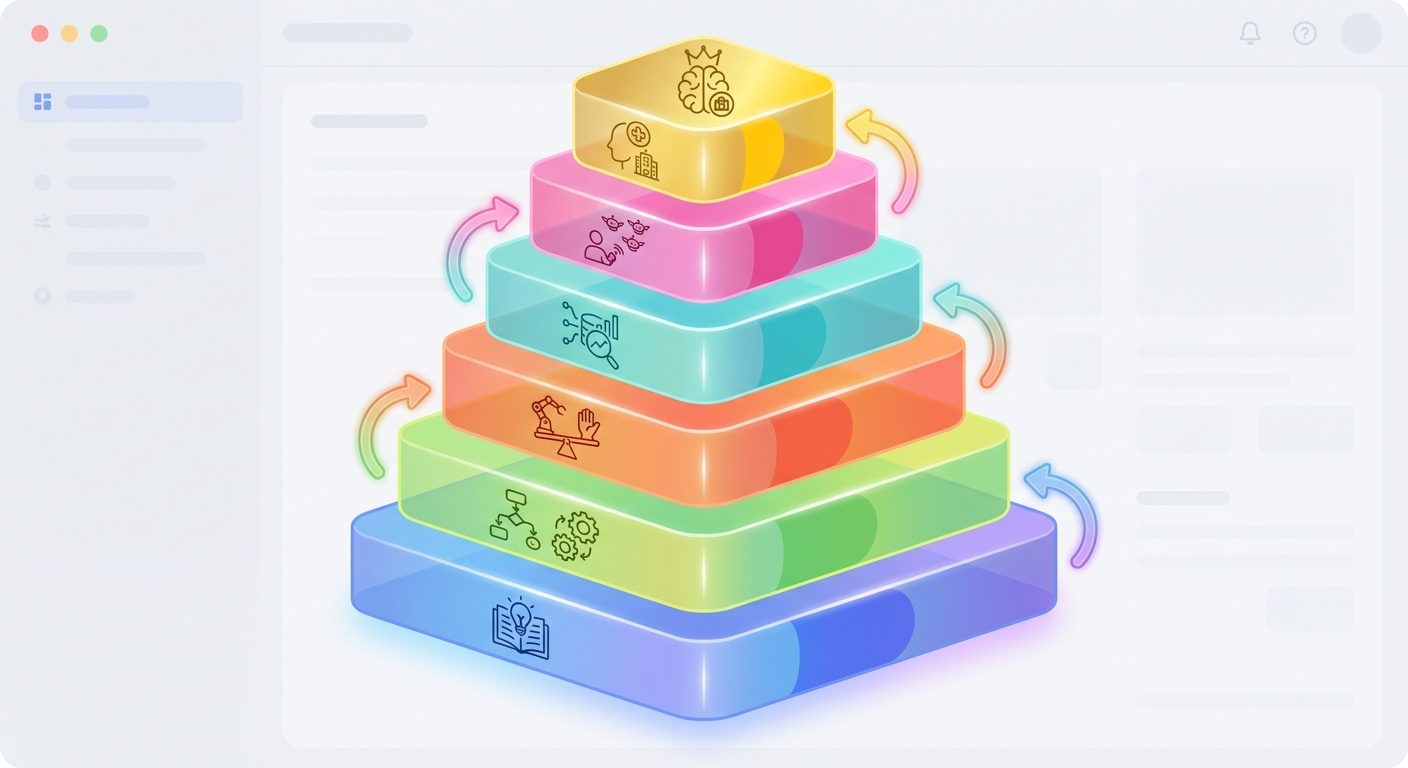
The 2026 AI Skills Stack
A strong AI skills roadmap should be layered. If you only learn the top layer, you become dependent on product interfaces. If you only learn the technical layer, you may miss the business context. The useful middle is where career value appears: translating real work into AI-assisted systems that are faster, safer, and easier to measure.
| Skill layer | What it means | How to practice | Proof employers can see |
|---|---|---|---|
| AI literacy | Understand LLMs, agents, retrieval, hallucinations, context windows, and tool use. | Explain an AI system in plain language and identify failure modes. | A one-page explainer or recorded walkthrough. |
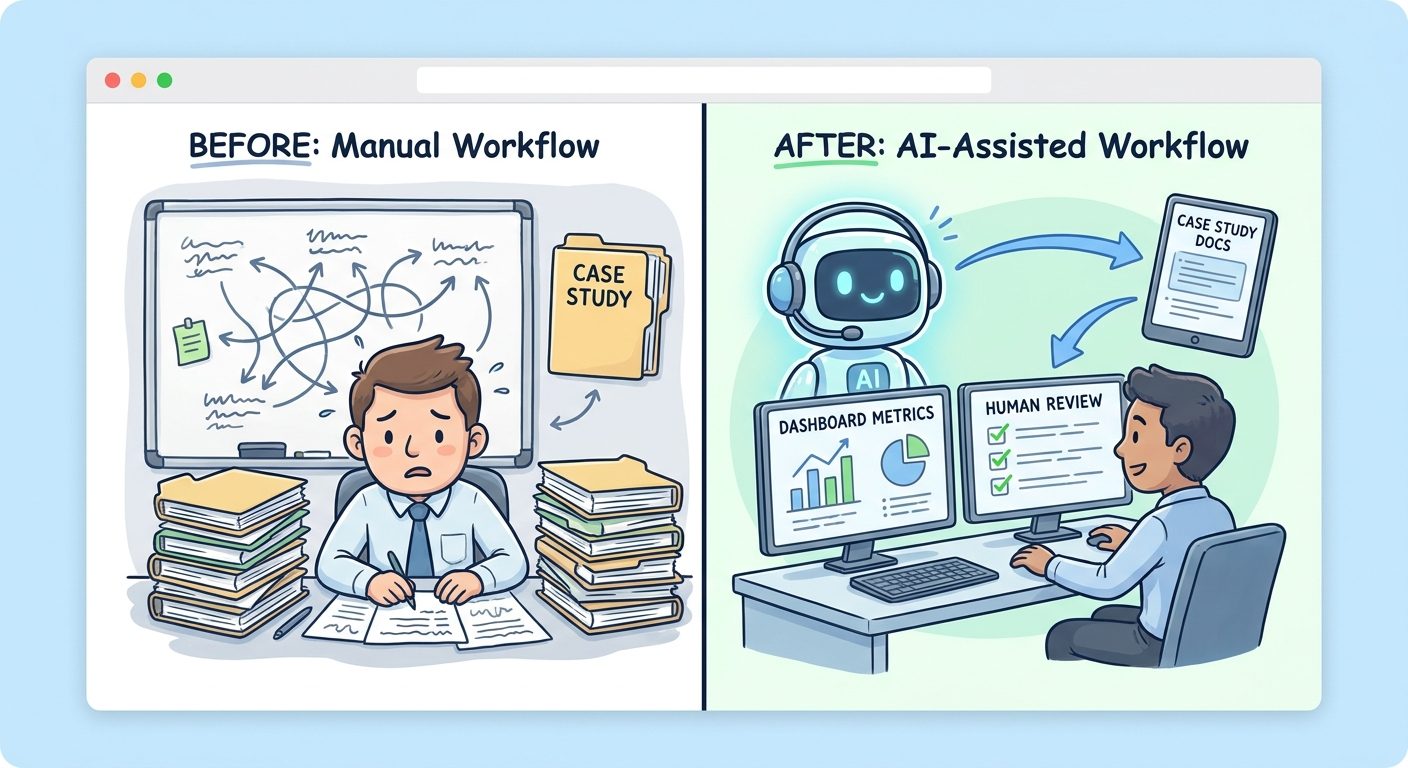
| Workflow design | Break a messy task into steps that AI, software, and humans can share. | Map a weekly work process and redesign it with checkpoints. | Before/after workflow diagram and time-saved estimate. |
| Automation judgment | Decide what should be automated, drafted, reviewed, or forbidden. | Create approval rules for risky AI outputs. | Risk matrix and human-review policy. |
| Data fluency | Use data to evaluate quality, cost, speed, and business impact. | Track accuracy, revision rate, response time, and user satisfaction. | Dashboard or evaluation report. |
| Agent supervision | Manage AI agents that use tools, memory, and multi-step workflows. | Test an agent with success, failure, and edge-case scenarios. | Agent test plan and incident log. |
| Domain expertise | Apply AI to a real field such as finance, HR, education, operations, sales, legal, design, or software. | Choose one domain workflow and improve it deeply. | Case study with domain-specific constraints. |
This stack intentionally avoids treating “prompt engineering” as the whole roadmap. Prompting is useful, but prompts are only one interface. In many jobs, the bigger advantage is knowing how to define the task, prepare context, evaluate the output, and integrate AI into the surrounding workflow. A vague prompt may produce a flashy answer. A good workflow produces repeatable value.
Career Tracks for Coders and Non-Coders
You do not need to become a full-time software engineer to stay valuable in the AI era. Coding gives you leverage, especially if you want to build agents, automations, evaluation systems, or internal tools. But non-coding professionals can also build defensible AI skills by becoming excellent at workflow redesign, AI-assisted research, structured decision-making, tool evaluation, and change management.
If you code
- Learn API basics for LLMs, embeddings, and tool calling.
- Build one retrieval workflow and one agent workflow.
- Practice evaluation: test cases, quality rubrics, latency, and cost.
- Understand security boundaries, permissions, and human approval.
- Ship small demos with clear documentation.
If you do not code
- Learn how AI systems work at the concept level.
- Map real workflows and spot automation candidates.
- Design prompts, checklists, and review processes.
- Create AI-assisted research, analysis, and operations artifacts.
- Build case studies that show judgment and measurable improvement.
The shared foundation is more important than the labels. A marketer who can build an AI-assisted content QA workflow may be more valuable than a developer who can call an API but cannot define success. An operations manager who can safely redesign ticket triage with human review may create more impact than someone who merely knows the newest chatbot features. The moat is not “I use AI.” The moat is “I improve work with AI and can prove it.”
A 90-Day AI Skills Roadmap
A good 90-day plan should produce visible artifacts every month. If your plan only says “watch courses,” it will not create enough signal. Use courses and tutorials, but convert them into proof. The roadmap below assumes five to seven focused hours per week. If you have less time, stretch it to 120 days. If you have more, keep the same structure but increase project depth.
| Days | Focus | What to learn | Deliverable |
|---|---|---|---|
| 1-15 | AI literacy | LLMs, agents, retrieval, hallucinations, context, tool use, privacy basics. | A plain-English AI explainer for your field. |
| 16-30 | Workflow mapping | Process mapping, bottlenecks, task risk, human review points. | Before/after workflow diagram for one real task. |
| 31-45 | AI-assisted execution | Prompt patterns, structured outputs, checklists, document generation, research workflows. | A repeatable AI workflow template. |
| 46-60 | Evaluation | Quality rubric, test examples, revision rate, error categories, cost/time tracking. | Evaluation scorecard for your workflow. |
| 61-75 | Automation or agent thinking | Tool use, triggers, approvals, logs, failure handling, escalation. | A safe automation plan or simple prototype. |
| 76-90 | Portfolio packaging | Case-study writing, metrics, screenshots, ethical limits, lessons learned. | One public or shareable portfolio case study. |
If you are targeting a technical career, pair this roadmap with the Singularity Journey guide on how to build AI agents. If you are targeting an operations or business career, focus more deeply on workflow redesign, measurement, stakeholder communication, and governance. Both paths benefit from understanding how AI agents work, because agents are the model of AI work many organizations are moving toward.
Portfolio Projects That Prove AI Skill
A portfolio does not have to be fancy. It has to make your judgment visible. A hiring manager, client, or internal leader should be able to see the problem, the workflow, the AI role, the human role, the evidence of improvement, and the risks you considered. That is much stronger than listing “ChatGPT, Claude, Gemini, Copilot” as skills.
| Project idea | Best for | What it proves | Artifact to publish |
|---|---|---|---|
| AI research brief workflow | Analysts, students, consultants, marketers | Source selection, synthesis, uncertainty handling. | Brief, source log, quality rubric. |
| Customer support triage assistant | Operations, support, product teams | Classification, escalation design, human review. | Workflow map and test examples. |
| Sales-call insight extractor | Sales, revenue operations, founders | Structured extraction and business interpretation. | Template, sample output, caveats. |
| Policy or compliance checker | HR, legal ops, risk, admin roles | Domain judgment and approval boundaries. | Checklist, false-positive notes, review process. |
| Personal agent dashboard | Developers, automation builders | Tool use, logging, cost tracking, reliability. | Demo, architecture diagram, evaluation report. |
The best portfolio projects are honest about limits. If your workflow uses AI to summarize policy documents, say how you verify quotes. If it drafts customer replies, show the review step. If it classifies support tickets, show edge cases. This kind of transparency builds trust and signals maturity. Employers increasingly need people who can use AI without hiding risk.
Interactive Skill-Priority Helper
Use this simple helper to decide where to focus first. It is intentionally practical: the best next skill is usually where your current role, risk level, and proof gap overlap.
What should you learn next?
Mistakes to Avoid
The first mistake is chasing tools without building concepts. Tool fluency helps, but if you cannot explain what retrieval, context, hallucination, tool use, and human review mean, your knowledge will feel fragile. The second mistake is hiding behind theory. Reading about AI will not prove you can use it. You need artifacts. The third mistake is automating too aggressively. A worker who can say “this should stay human-reviewed” is often more valuable than a worker who automates blindly.
The fourth mistake is ignoring domain depth. AI amplifies expertise; it does not replace the need for it. A finance professional who understands accounting controls plus AI workflows has a clearer moat than a generic “AI enthusiast.” A teacher who can redesign feedback loops with AI while protecting student privacy has a stronger moat than someone who only knows prompt tricks. A developer who understands reliability, permissions, and evaluation will outlast someone who only builds demos.
FAQ
What AI skills should I learn in 2026?
Learn AI literacy, workflow design, automation judgment, data fluency, agent supervision, and domain-specific application. Prompting is useful, but it should sit inside a broader system of context preparation, quality evaluation, and human review.
Do I need coding to build an AI career?
No, not for every AI-era career. Coding helps for building agents, integrations, and automation systems. Non-coders can still create strong value through workflow redesign, AI-assisted research, tool evaluation, governance, training, and portfolio case studies.
Is prompt engineering still worth learning?
Yes, but not as a standalone moat. Treat prompting as one communication skill inside a larger workflow skill set. Learn structured outputs, examples, constraints, role context, and evaluation rubrics rather than memorizing viral prompt templates.
How do I prove AI skills to employers?
Create visible proof: before-and-after workflow maps, demos, dashboards, evaluation scorecards, case studies, automation plans, or AI-assisted research briefs. Show the problem, your method, the AI role, the human review step, and the result.
What career moat works best in the AI era?
The strongest moat combines domain expertise, judgment, communication, data thinking, and AI workflow design. The goal is not to compete with AI at every task. The goal is to become the person who knows where AI belongs, where it fails, and how to turn it into reliable outcomes.
Conclusion: Build the Skill System, Not Just the Tool List
The AI career winners of 2026 will not be the people who tried every app once. They will be the people who can redesign work, supervise AI outputs, measure quality, and explain tradeoffs. That is good news because it means you do not need to predict every future tool. You need to build a practical system for learning, applying, measuring, and proving AI-enabled work.
Start small. Pick one workflow. Improve it with AI. Keep humans in the loop where judgment matters. Measure the result. Package the lesson. Then repeat. Over time, those artifacts become your career moat: not a claim that you “know AI,” but evidence that you can use AI to create reliable value.
