
AI Workflow Mapping Template: Turn Daily Work Into a Portfolio Case Study
The easiest AI portfolio project is not a fake chatbot. It is a real workflow you understand, redesigned with AI assistance, human review, and honest measurement.
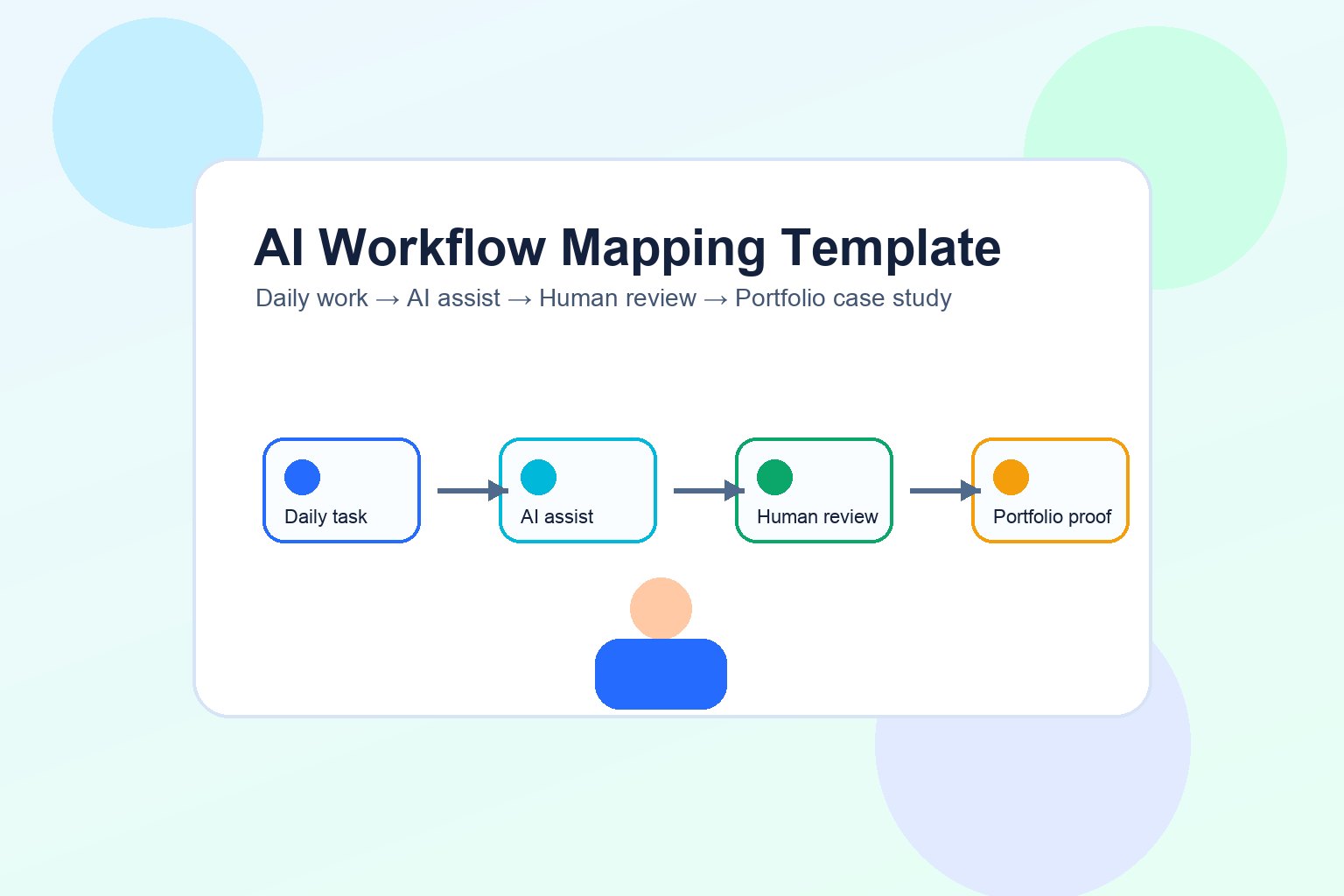
Why Workflow Mapping Beats Tool Collecting
If you are building AI career skills in 2026, tool fluency matters. But tool fluency alone is weak evidence. Anyone can say they use ChatGPT, Claude, Gemini, Copilot, Zapier, Notion AI, or an internal company assistant. Fewer people can explain a messy work process, redesign it responsibly, measure whether it improved, and communicate the tradeoffs.
That difference matters because the labor market is moving from “AI as a novelty” to “AI inside workflows.” The World Economic Forum’s Future of Jobs Report 2025 says AI and information processing are expected by 86% of surveyed employers to transform business by 2030, while AI and big data, networks and cybersecurity, and technological literacy are among the fastest-growing skill areas. Microsoft’s 2025 Work Trend Index describes organizations becoming “AI-operated but human-led,” with humans directing agents and reviewing exceptions.
In plain English: the valuable career signal is not “I know a prompt.” It is “I can improve work with AI and keep humans responsible for quality, context, privacy, and judgment.”
The AI Workflow Mapping Template
Use the template as a working document. You can create it in Google Docs, Notion, a spreadsheet, Miro, FigJam, or a simple Markdown file. The tool matters less than the clarity of the thinking.
| Template section | Question to answer | Portfolio evidence |
|---|---|---|
| 1. Workflow | What repeatable task are you improving? | One-sentence workflow description |
| 2. Current map | What happens today, step by step? | Before-state workflow diagram |
| 3. Pain points | Where are delays, errors, rework, ambiguity, or bottlenecks? | Problem list with evidence |
| 4. AI fit | Where can AI draft, summarize, classify, extract, compare, or suggest? | AI opportunity table |
| 5. Human checkpoints | Where must a person review, approve, edit, or reject? | Review policy and risk notes |
| 6. Measurement | How will you know the workflow improved? | Before/after scorecard |
| 7. Case study | How will you explain the result without hype? | One-page portfolio writeup |
Notice what this template avoids: it does not start with a tool. It starts with work. That is important because durable AI career skill comes from understanding tasks, constraints, users, quality standards, and risk.
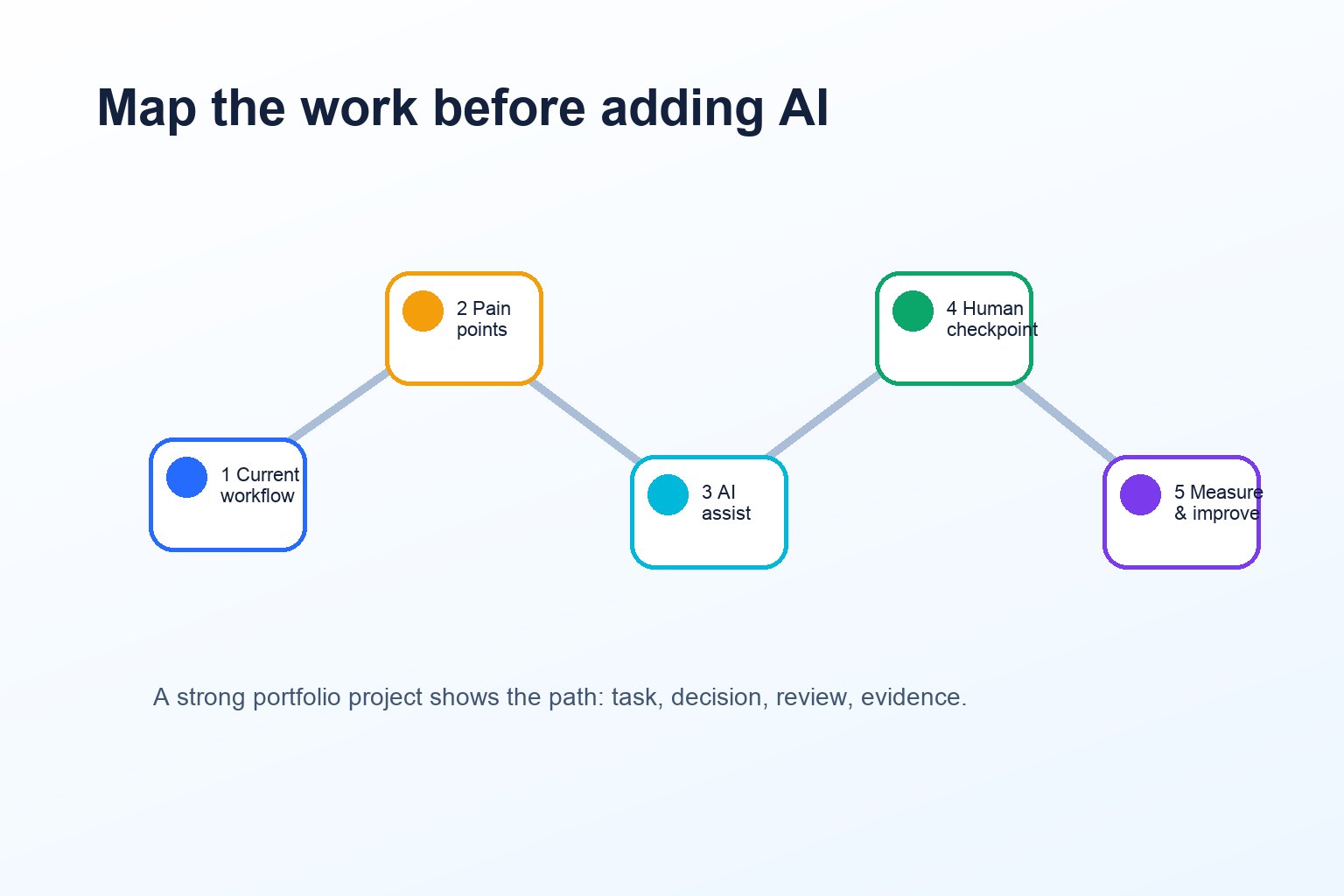
Step 1: Choose a Workflow Worth Mapping
A good first workflow is boring, frequent, and measurable. Boring is good because the value comes from improving real work, not impressing people with a flashy demo. Frequent is good because repeated tasks reveal patterns. Measurable is good because portfolio claims need evidence.
Pick a task you already understand
Choose something from your field: summarizing customer feedback, preparing meeting notes, screening support tickets, drafting social posts, comparing vendor proposals, creating study notes, cleaning spreadsheet categories, reviewing job descriptions, or turning research into a brief. Domain knowledge helps you judge whether AI output is useful or merely plausible.
Avoid high-risk private work
Do not use confidential customer records, medical information, legal documents, internal strategy, passwords, unreleased financial data, or proprietary code. If the task is sensitive, create a synthetic version with fake inputs and explain that the public case study is anonymized.
Make the task small enough to finish
“Improve marketing operations” is too broad. “Turn ten raw customer comments into a tagged insight summary with human review” is workable. The best first case study can be completed in a weekend and improved over a few iterations.
| Good workflow candidate | Why it works | Weak candidate | Why it fails |
|---|---|---|---|
| Summarize weekly sales-call notes into themes | Repeatable, text-heavy, easy to review | Replace the whole sales process | Too broad and unrealistic |
| Classify support tickets by urgency and topic | Clear input/output and measurable quality | Let AI answer all angry customers automatically | High trust risk without review |
| Create a first draft of a research brief | AI can assist, human can verify sources | Publish AI research without fact-checking | Accuracy and citation risk |
| Turn meeting transcript into action items | Common workflow with obvious checks | Record private meetings and upload anywhere | Privacy and consent risk |
Step 2: Map the Current Workflow Before Adding AI
Most bad AI projects skip the current-state map. They jump straight to a prompt, automation tool, or agent idea. That makes the project harder to explain and easier to overclaim. Start by documenting how the task works today.
Write the workflow as a chain of actions:
- Trigger: What starts the task?
- Inputs: What information is needed?
- Human decisions: Where does judgment happen?
- Tools: What software or documents are used?
- Output: What is produced?
- Quality check: How is the output reviewed?
- Handoff: Who uses the result next?
This before-state map is already valuable. It shows that you understand work at the process level. It also prevents you from forcing AI into places where the real problem is unclear ownership, missing data, or a broken handoff.
Step 3: Score Each Step for AI Fit and Risk
AI is useful for many tasks, but not all tasks deserve the same level of automation. A safer career portfolio shows judgment. It separates low-risk assistance from high-risk decisions.
| Step type | Good AI role | Human role | Risk level |
|---|---|---|---|
| Summarize long text | Draft summary, extract themes, suggest categories | Check accuracy and missing context | Medium |
| Classify routine items | Suggest labels or priority bands | Review exceptions and ambiguous cases | Medium |
| Generate first drafts | Create outline, email draft, report skeleton | Edit voice, facts, claims, and audience fit | Medium |
| Make final decisions | Provide options or evidence summary | Own the final decision | High |
| Handle private or regulated data | Often avoid public tools; use approved systems only | Apply policy, compliance, and consent rules | High |
A simple scoring model is enough:
- AI-fit score: 1 means AI adds little value; 5 means AI can clearly assist.
- Risk score: 1 means low consequence; 5 means sensitive, irreversible, or high-stakes.
- Review requirement: none, sample review, full review, manager approval, or do not automate.
Step 4: Redesign the Workflow With Human-AI Checkpoints
Now create the after-state workflow. Keep it practical. The goal is not “AI does everything.” The goal is a better workflow with clear roles.
Use this pattern:
- Human frames the task: define goal, audience, constraints, and quality bar.
- AI drafts or analyzes: summarize, classify, extract, compare, or propose options.
- Human reviews exceptions: inspect uncertain outputs, sensitive cases, and edge cases.
- AI helps format: turn approved notes into a clean memo, table, or checklist.
- Human approves final output: verify facts, tone, privacy, and next action.
- Measurement is captured: record time, quality, revisions, errors, or stakeholder feedback.
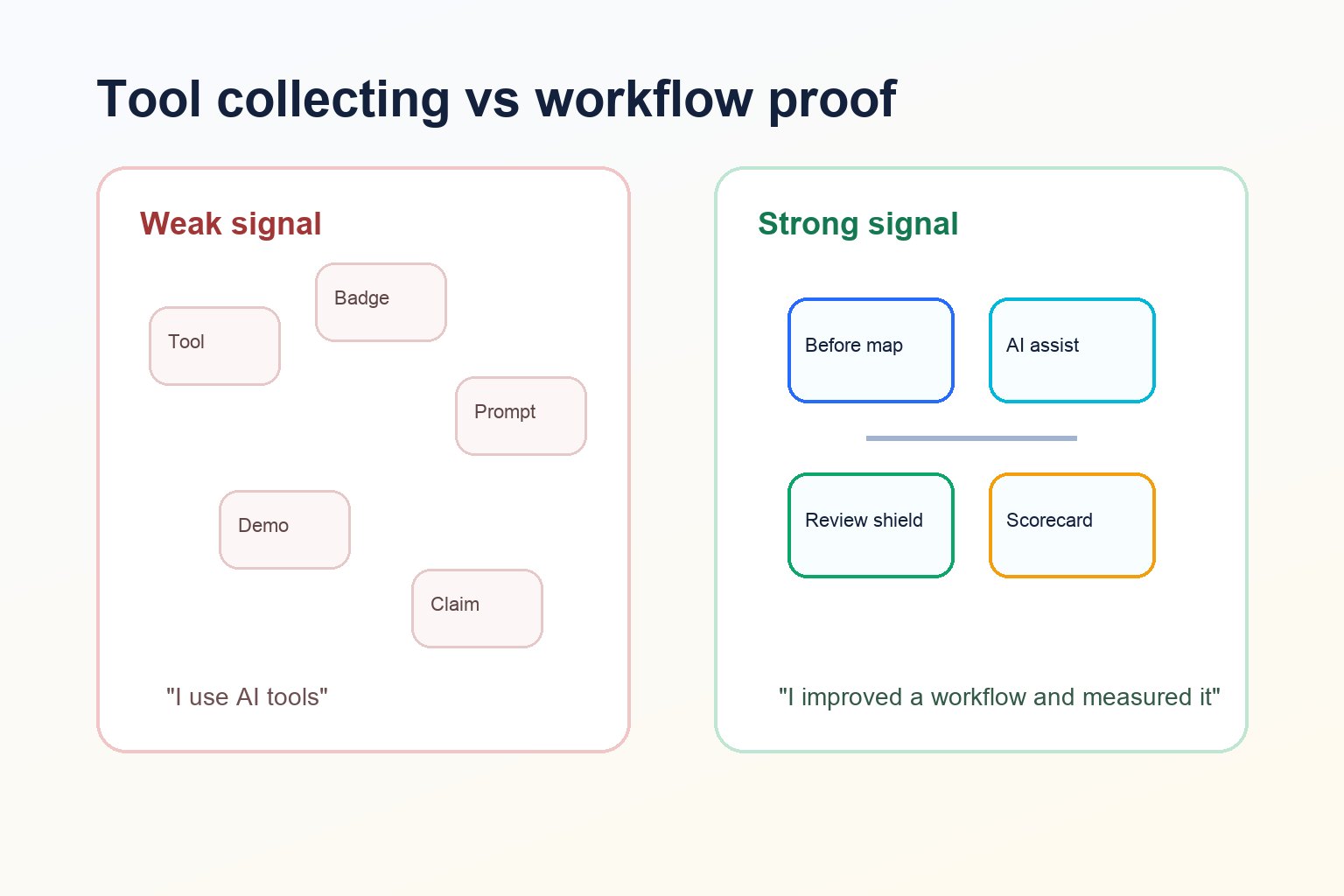
For a customer-feedback workflow, the after-state might look like this: collect comments → remove private data → AI suggests themes and sentiment → human checks sample comments and adjusts labels → AI drafts a summary table → human verifies examples and writes recommendations → product lead receives a clearer brief.
That is a strong portfolio story because it includes the work problem, AI assistance, review, measurement, and business relevance.
Step 5: Measure Improvement Without Inventing Numbers
Measurement is where many AI portfolio projects become weak. People write “saved 80% of time” without showing a baseline, sample size, or limitation. That looks inflated. A more credible case study uses modest, transparent measures.
| Metric | How to collect it | What to say carefully |
|---|---|---|
| Time per task | Run the workflow 3–5 times before and after | “In a small test, average prep time fell from X to Y minutes.” |
| Revision rate | Count how many outputs needed major edits | “The review checklist reduced missed fields in this sample.” |
| Error categories | Track factual errors, wrong labels, missing context | “AI was useful for grouping themes but weak on edge cases.” |
| Handoff clarity | Ask the next user what was clearer or still confusing | “Stakeholder feedback suggested the summary was easier to scan.” |
| Risk reduction | Document review checkpoints and privacy filters | “The public workflow uses synthetic data and removes private inputs.” |
The Stack Overflow 2023 AI developer sentiment report found that trust in AI output accuracy was far from universal; its highlighted findings said 42% of respondents trusted the accuracy of AI tools used in their development workflow. That is older and developer-specific, so do not overgeneralize it to every profession. But it supports an important point: AI workflow skill includes verification, not just generation.
Step 6: Package the Result as a Portfolio Case Study
Your final artifact should be easy to read in two minutes. Hiring managers, clients, and managers rarely want a giant project folder first. They want a clear story:
| Case-study section | What to write | Example phrasing |
|---|---|---|
| Problem | The workflow was slow, inconsistent, unclear, or repetitive. | “Weekly customer-feedback summaries took too long and varied by reviewer.” |
| Baseline | How the workflow worked before. | “The old process had six manual steps and no consistent tagging rubric.” |
| AI-assisted design | Where AI helped and where humans reviewed. | “AI suggested initial themes; I reviewed uncertain comments and approved final labels.” |
| Controls | Privacy, quality, and review guardrails. | “All examples are synthetic. Final recommendations required human review.” |
| Result | Measured or observed improvement. | “In a small sample, the workflow produced a clearer summary with fewer missed fields.” |
| Reflection | What failed, what you changed, and what you would test next. | “The model struggled with sarcasm, so I added an exception review step.” |
Three Example AI Workflow Case Studies
1. Non-coder: Meeting notes to decision log
Workflow: Convert meeting transcripts into decisions, owners, and follow-up tasks. AI role: draft summary and action-item table. Human role: verify decisions, remove sensitive comments, confirm owners. Measurement: fewer missed action items, faster follow-up email, clearer handoff.
2. Marketer: Content brief quality check
Workflow: Turn raw topic ideas into structured content briefs. AI role: suggest search intent, audience questions, outline options, and source checklist. Human role: verify sources, adjust brand angle, reject unsupported claims. Measurement: brief completeness, revision count, editor feedback.
3. Operations professional: Support-ticket triage
Workflow: Categorize incoming support tickets. AI role: suggest topic, urgency, and routing. Human role: review high-risk or angry-customer cases. Measurement: routing accuracy in a sample, escalation clarity, time to first review.
These examples pair well with the broader AI automation portfolio projects guide and the AI automation case study template. This article is narrower: it is specifically about mapping one workflow so your project is grounded in real work.
Mistakes That Make AI Portfolio Projects Look Weak
- Starting with a tool instead of a workflow. A tool demo is not automatically a career signal.
- Overclaiming ROI. If you did not measure it, do not pretend you did.
- Ignoring privacy. A public portfolio should never expose private employer, client, or customer data.
- Removing the human from high-risk steps. Strong AI skill includes knowing when not to automate.
- Publishing only screenshots. Explain your decisions, constraints, and tradeoffs.
- Making the project too broad. One narrow workflow is more credible than a vague “AI transformation strategy.”
Copy-Paste Checklist
- Workflow name:
- Who uses the output:
- Current steps:
- Pain points:
- AI assistance points:
- Human review checkpoints:
- Privacy and data constraints:
- Before metrics:
- After metrics:
- What failed or needed adjustment:
- Portfolio headline:
- Next improvement:
FAQ
What is an AI workflow mapping template?
It is a structured way to document a real task, map how it works now, decide where AI can safely help, add human review checkpoints, measure before-and-after results, and turn the work into a portfolio case study.
Do I need coding skills to create an AI workflow case study?
No. Coding helps for advanced automation, but many strong career projects are non-coding: workflow maps, prompt systems, review checklists, measurement scorecards, research briefs, and operations improvements.
How do I measure an AI workflow improvement honestly?
Use small but transparent measures: time per task, revision rate, missed fields, error categories, handoff clarity, or reviewer feedback. State the sample size and limitations.
Can I use confidential work examples?
Be careful. Remove private data, client names, internal documents, exact financials, and proprietary process details. If unsure, create a synthetic version that shows your method without exposing sensitive information.
What if my AI workflow did not save time?
That can still be useful. Maybe it improved consistency, made review easier, revealed hidden edge cases, or showed that the task should not be automated. Honest reflection is stronger than fake success.
Conclusion: Build Evidence, Not Just AI Confidence
The 2026 career moat is not built by memorizing a list of tools. It is built by repeatedly improving real work: mapping tasks, applying AI where it fits, keeping humans responsible for judgment, measuring results, and explaining what you learned.
If you want the broader roadmap, start with AI Skills Roadmap 2026. If you want one practical next step, use this AI workflow mapping template this week. Pick one recurring task, create a before-and-after workflow map, add review checkpoints, measure honestly, and turn the result into a one-page portfolio case study.
