
AI CORE
AI Agent Memory Controls: What to Store, What to Forget, and How to Review It
AI agent memory is useful only when it has boundaries. This guide explains, in plain language, what an agent should remember, what it should forget, and how people can review memory before it quietly turns into a privacy or accuracy problem.

This article is a focused companion to AI Agent Controls Explained: Tools, Memory, Permissions, and Human Approval. The pillar article explains the full control stack. Here, we zoom in on one part of that stack: memory.
For beginners, the key idea is simple: an AI agent should not remember everything just because it can. Memory should help the agent serve the user better, while still respecting privacy, accuracy, consent, and context.
What AI agent memory really means
AI agent memory is stored context that can influence future responses or actions. It may include user preferences, project details, prior decisions, task history, files, connected app context, or summaries of previous conversations.
That sounds convenient, but memory changes the risk profile of an AI system. A normal chatbot forgets after the conversation ends unless the platform stores history separately. A memory-enabled agent may carry information forward and use it later. That makes the agent more personalized, but also easier to confuse with stale context, irrelevant assumptions, or sensitive details that should not have been retained.
OpenAI’s own Memory FAQ is a useful public example of the control issues involved: users need settings, summaries, source visibility, corrections, and deletion paths. The broader lesson applies beyond one product: memory should be visible and manageable, not hidden magic.
The four types of memory to separate
A common mistake is treating “memory” as one thing. For safer agent design, separate it into four buckets:
| Memory type | What it stores | Main risk | Best control |
|---|---|---|---|
| Session memory | Context inside the current conversation or task | The agent may over-weight recent but wrong context | Clear task boundaries and reset options |
| Preference memory | Stable preferences such as tone, format, or recurring constraints | Preferences can become outdated or too broad | User-visible memory summary and edit controls |
| Project memory | Decisions, docs, goals, names, and project state | Wrong project facts can cause repeated mistakes | Source links, timestamps, and review cadence |
| Operational memory | Tool results, approvals, audit logs, and workflow state | Could expose sensitive actions or credentials | Access controls, redaction, and retention limits |
This separation matters because each type needs a different rule. A style preference may be safe to remember for months. A one-time password, medical detail, legal issue, private customer record, or destructive tool result should not be casually stored as reusable memory.
What an AI agent should store
An agent should store information only when it is useful, durable, and safe enough to influence future behavior. The best memory candidates usually meet all three tests:
- Useful: It prevents repeated instructions or improves future task quality.
- Durable: It is likely to remain true beyond the current conversation.
- Safe: It does not create unnecessary privacy, security, or discrimination risk.
Good examples include preferred writing style, a project’s public name, a recurring formatting rule, a known workflow constraint, or a decision the user explicitly asked the agent to remember.
Weak examples include temporary emotions, unverified guesses, private identifiers, secrets, medical details, customer data, or anything the user mentioned once in passing. These may be relevant inside the current conversation, but that does not mean they deserve long-term memory.
What an AI agent should forget
Forgetting is a feature, not a failure. AI systems need ways to remove or stop using context that is no longer accurate, appropriate, or wanted.
An agent should forget or avoid retaining:
- Secrets: passwords, API keys, private tokens, recovery codes, and credentials.
- Highly sensitive personal data: health, financial, legal, biometric, or identity details unless there is a clear, consented, protected use case.
- One-time context: temporary plans, drafts, meeting details, or transient preferences.
- Unverified assumptions: guesses about the user, their beliefs, or their relationships.
- Expired project facts: old deadlines, old decisions, or superseded instructions.
This aligns with the spirit of risk-management guidance from NIST and AI management-system thinking from ISO/IEC 42001: organizations should know what an AI system is doing, manage risks over time, and keep governance tied to real use rather than vague promises.
How memory review should work
Memory review is the human-facing part of memory control. Without review, users may not know why an agent keeps making the same assumption. With review, memory becomes something people can inspect and improve.
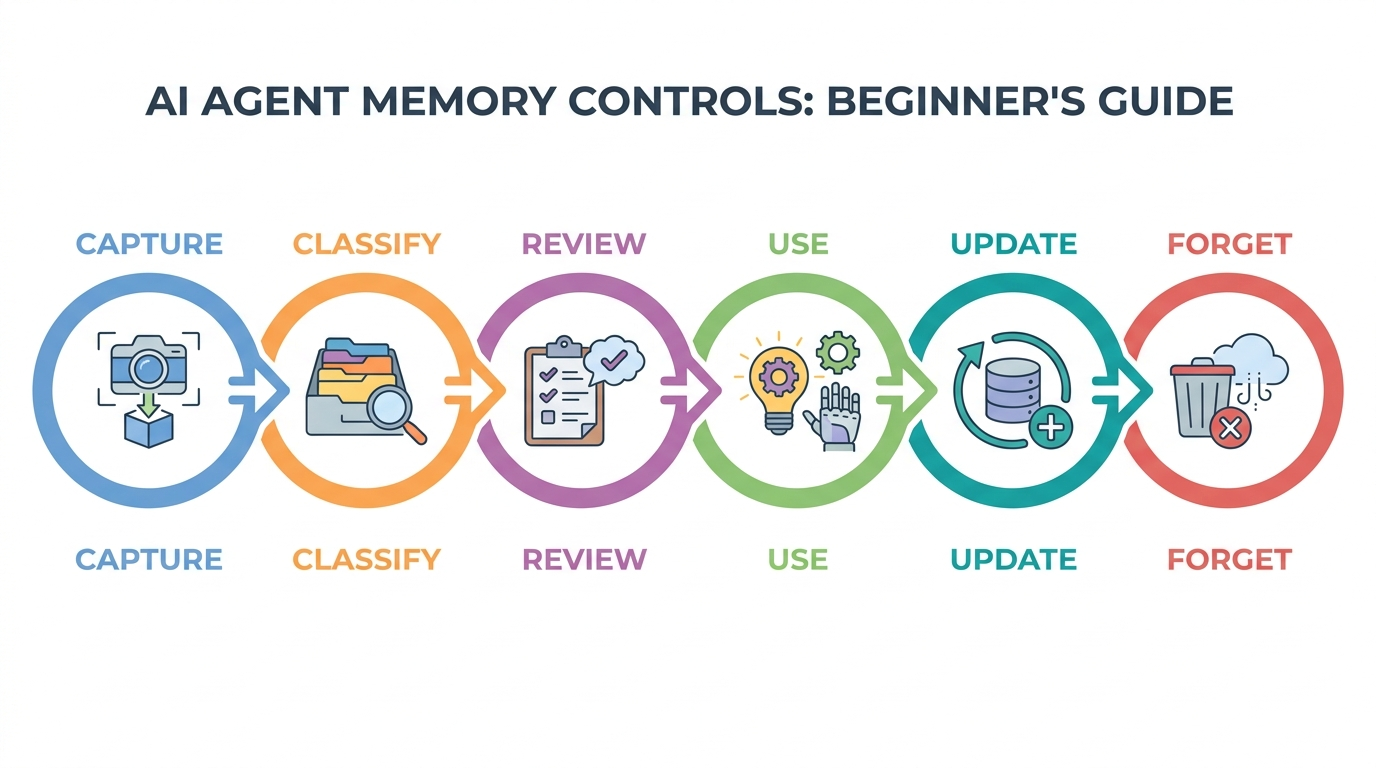
A practical review loop has six parts:
- Show what is remembered. Provide a readable memory summary or list.
- Show why it mattered. When memory shapes an answer, expose the relevant source or reason where possible.
- Allow correction. Let users edit wrong or stale memories.
- Allow suppression. Let users say “don’t use this again” even when deletion is more complex.
- Allow deletion. Provide a path to remove stored memory and explain what else may need deletion, such as past chats or connected files.
- Log sensitive updates. If memory affects tools, approvals, or business workflows, keep an audit trail.
The last point matters for agentic systems. If memory changes what tools an agent can use, which customer it thinks it is helping, or what approval rule applies, then memory is not just personalization. It is part of the control plane.
Examples of good and bad memory decisions
| User says | Store? | Why |
|---|---|---|
| “Always give me concise bullet summaries.” | Yes | Useful, durable, low-risk preference. |
| “Remember that Project Atlas uses a weekly release cycle.” | Yes, with source/date | Useful project memory, but it can become stale. |
| “Here is my API key for this test.” | No | Credential; use only for the immediate authorized action if appropriate, never as memory. |
| “I am stressed about this meeting.” | Usually no | May help the current conversation, but is not automatically durable or safe to retain. |
| “Do not mention my previous job again.” | Store as a suppression preference carefully | The useful memory is the boundary, not the sensitive detail itself. |
AI agent memory control checklist
Use this simple checklist before adding memory to an AI agent or evaluating a memory-enabled product:
- Can users see what the agent remembers?
- Can users correct, suppress, or delete memory?
- Are sensitive categories blocked or treated with higher caution?
- Does memory include timestamps or source references for project facts?
- Are tool results and approvals separated from casual preference memory?
- Are memory updates logged when they affect permissions or workflow decisions?
- Can the agent forget stale information instead of piling up contradictions?
- Does the system explain when memory influenced an answer or action?
If an agent cannot answer these questions, its memory layer is probably under-controlled.
Useful references
- OpenAI Memory FAQ for a public example of memory summaries, settings, corrections, and deletion caveats.
- NIST AI Risk Management Framework for a broader risk-management lens.
- ISO/IEC 42001 for AI management-system governance.
- OWASP Top 10 for LLM Applications / GenAI Security Project for application security risks around LLM and agentic systems.
FAQ
What should an AI agent remember?
It should remember information that is useful, durable, and safe: stable preferences, explicit user instructions, project decisions, and context that improves future work without creating unnecessary risk.
What should an AI agent forget?
It should forget or avoid storing secrets, sensitive personal data, one-time context, stale project facts, and unverified assumptions about the user.
Is long-term AI memory safe?
It can be useful, but it is not automatically safe. Long-term memory needs visibility, correction, deletion, access control, and review. The more memory affects tools or decisions, the stronger the controls should be.
How is memory different from chat history?
Chat history is a record of past conversations. Memory is selected context that may actively personalize or influence future responses. A system can have chat history without using all of it as memory.
Why does AI memory become stale?
People, projects, and preferences change. If the agent keeps old context without timestamps, sources, or review, it may continue using facts that are no longer true.
Conclusion: memory needs boundaries
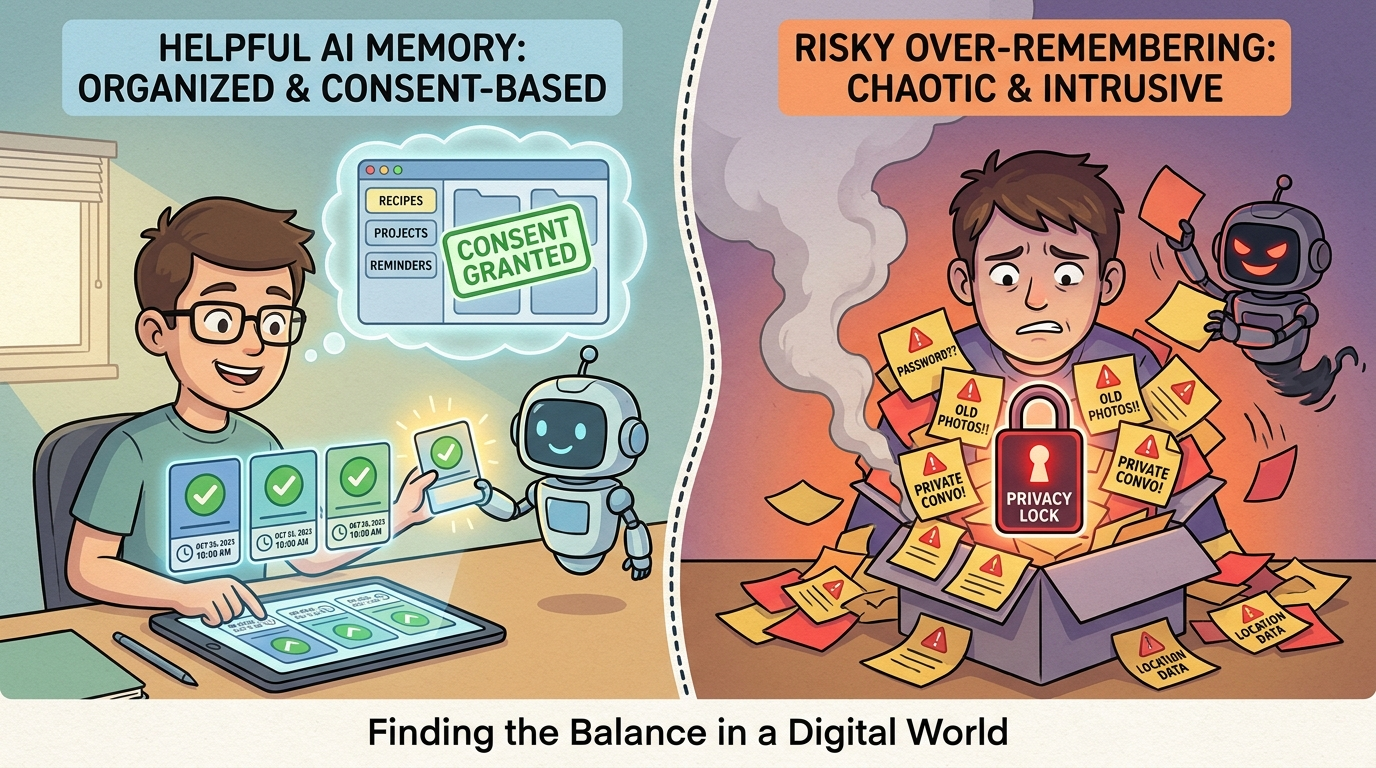
AI agent memory should make the agent more helpful, not more intrusive or more confidently wrong. The best memory systems are visible, editable, limited, and reviewable.
If you are building or evaluating agents, treat memory as one part of the broader control stack: tools, memory, permissions, human approval, guardrails, and audit trails all work together. For the full overview, read AI Agent Controls Explained: Tools, Memory, Permissions, and Human Approval.
